Welcome & auto-roles
Greets new members with text and image, says goodbye and hands out roles.
Try it without logging in: A welcome card for new members – your colour, your text, as PNG.
Try it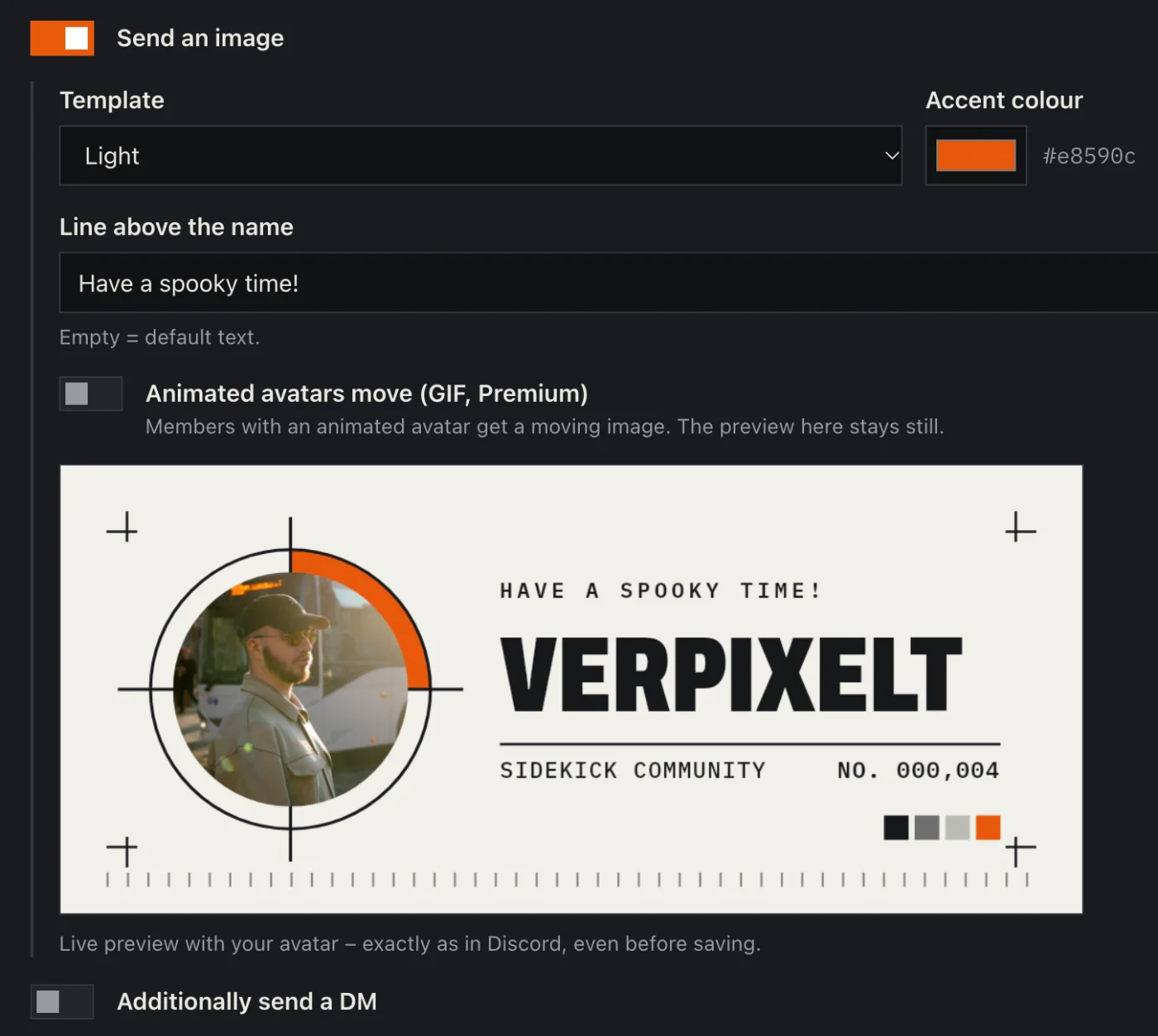
How to set it up
- Open the dashboard, pick your server and then “Welcome & auto-roles”.
- Switch on welcome, pick a channel and write the text – variables like {user} or {server} work.
- Design the welcome card: design, colour, title. The preview shows it live with your avatar.
- Under auto roles, pick the roles new members get automatically.
- Click “Save” in the bar at the bottom. Sidekick uses it right away.
Good to know
- Goodbye messages and a private welcome DM are there too.
- With your own design you upload a background and drag avatar and texts into place.
Commands
/autorole