Reaction roles
Members pick roles themselves via buttons, menus or emoji.
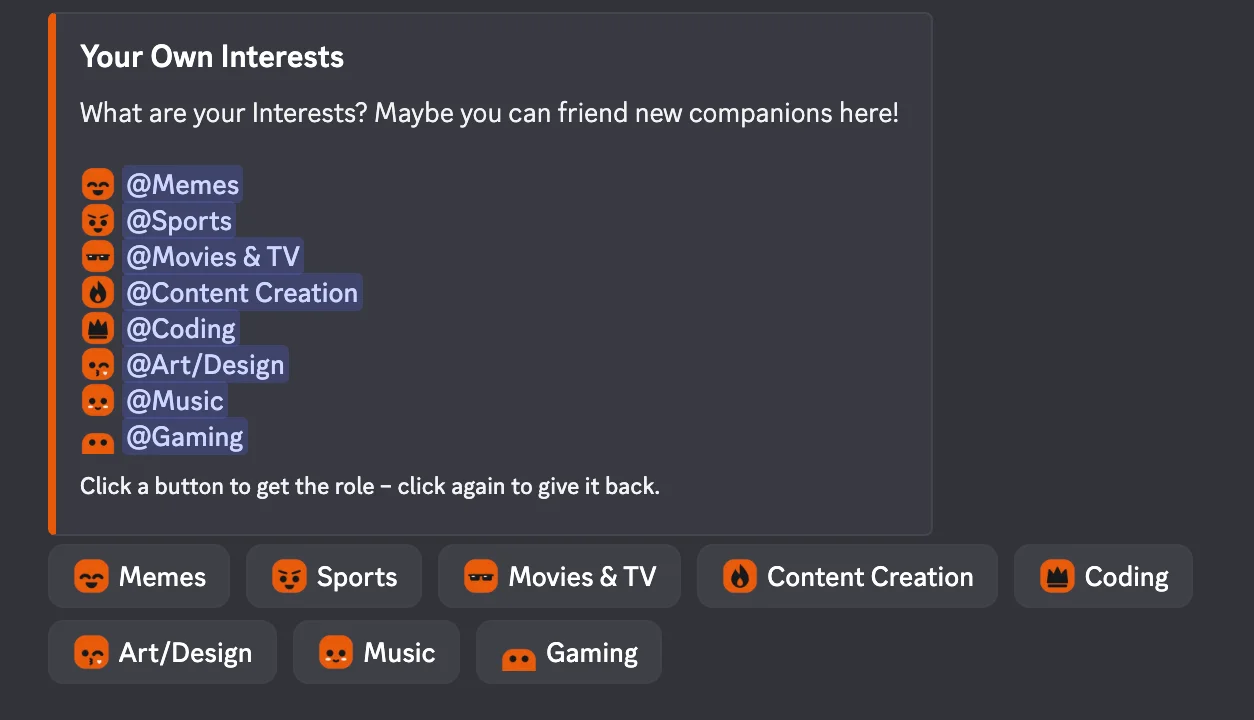
How to set it up
- Open the dashboard, pick your server and then “Reaction roles”.
- Create a new panel and pick the kind: buttons, select menu or emoji.
- Add roles, with text and emoji.
- Pick the mode (normal, only one role, only give or only take) and send the panel to a channel.
- Click “Save” in the bar at the bottom. Sidekick uses it right away.
Good to know
- Sidekick can only hand out roles that are below its own role.
- Panels can be edited later without sending them again.
Commands
/reactionrole