Emoji quiz
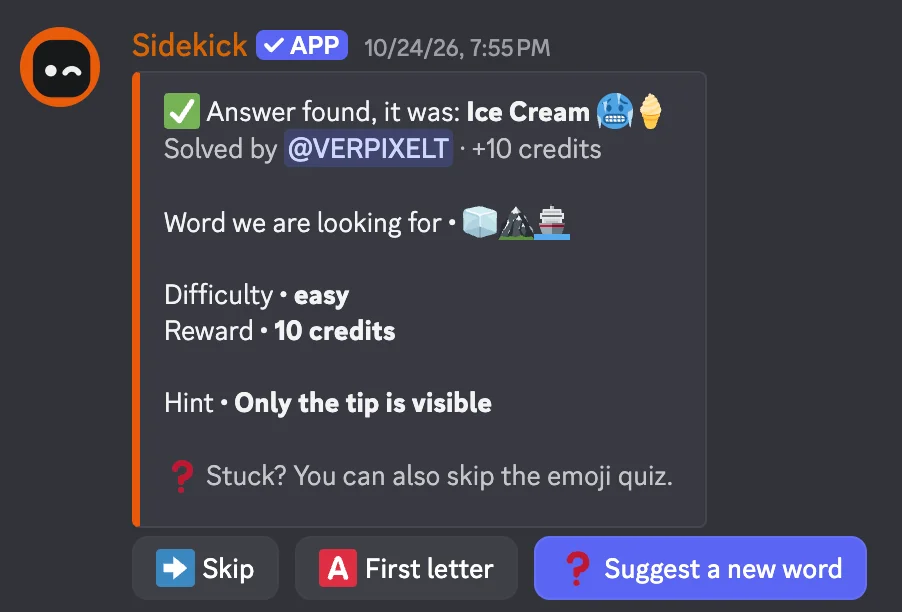
Guess the word behind the emoji – with hints, skipping and rewards.
How to set it up
- Open the dashboard, pick your server and then “Emoji quiz”.
- Pick a channel for the quiz.
- Choose the reward.
- Click “Save” in the bar at the bottom. Sidekick uses it right away.
Good to know
- With hints and skipping, nobody gets stuck.
- With Premium: own puzzles and suggestions from members that the team approves.
Commands
/emojiquiz