Leveling
XP for messages and voice time, level-up messages and reward roles.
How to set it up
- Open the dashboard, pick your server and then “Leveling”.
- Decide what gives XP: messages, voice time or both – and which channels and roles get none.
- Set up the level-up message.
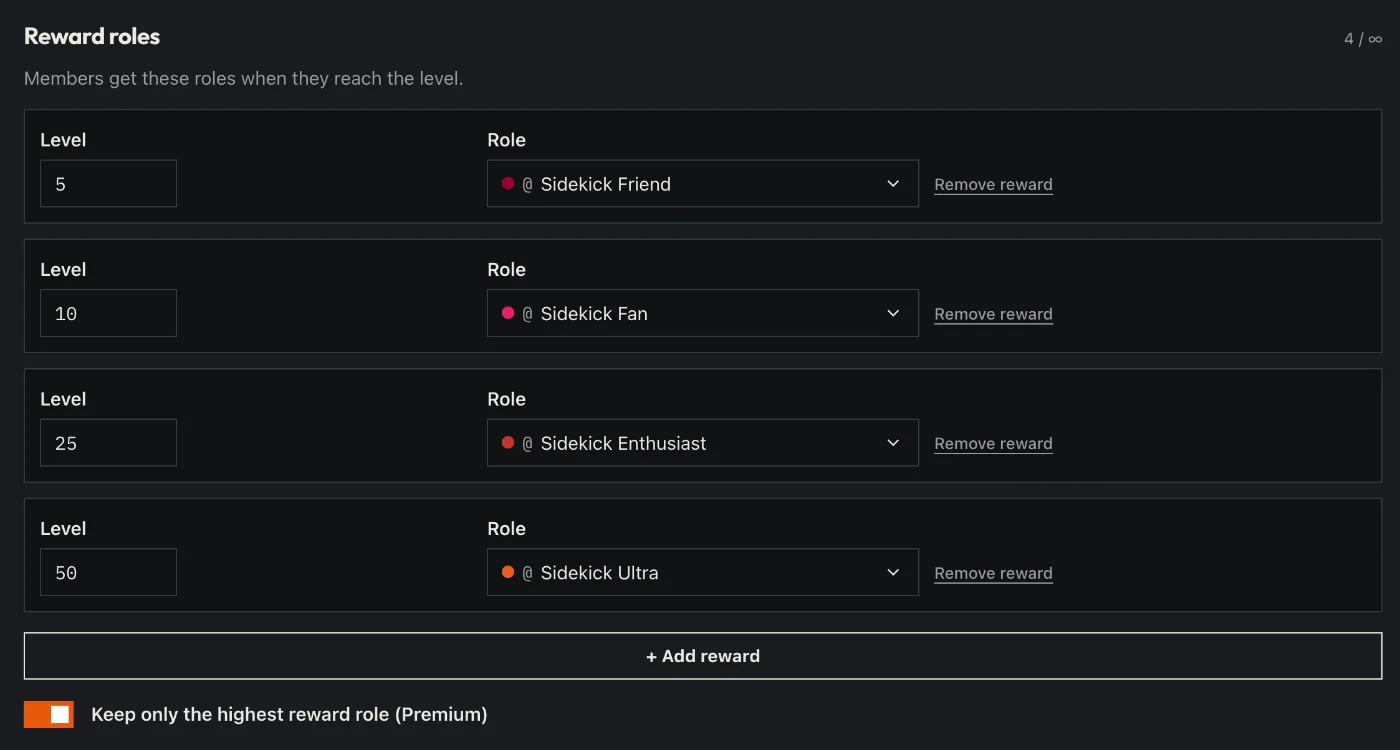
- Add reward roles: which role from which level.
- Click “Save” in the bar at the bottom. Sidekick uses it right away.
Good to know
- The level curve is the familiar one from MEE6 and ProBot – people switching over feel at home.
- You design the rank and profile card yourself; /rank and /profile show them.
Commands
/rank/profile/top/xp/leveling