Counting
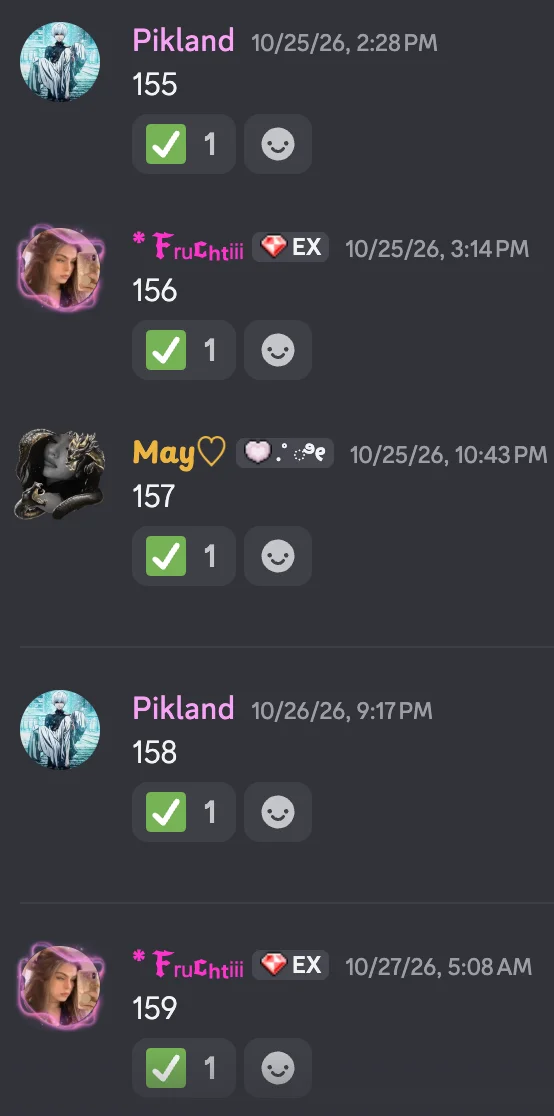
Count together in one channel: 1, 2, 3 … A mistake and everyone starts again at 1.
How to set it up
- Open the dashboard, pick your server and then “Counting”.
- Pick a channel for counting.
- Click “Save” in the bar at the bottom. Sidekick uses it right away.
Good to know
- One mistake – wrong number, text or twice in a row – and everyone starts again at 1.
Commands
/counting