Suggestions
Members suggest ideas, everyone votes, the team decides.
How to set it up
- Open the dashboard, pick your server and then “Suggestions”.
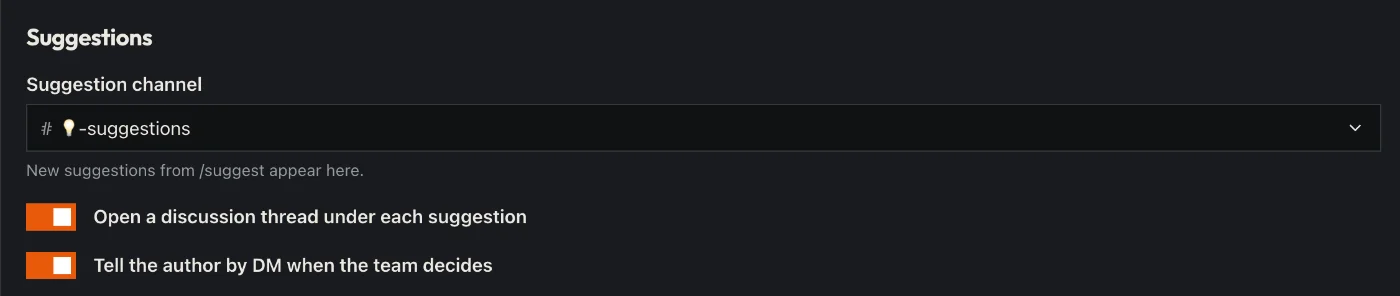
- Pick a channel for suggestions.
- Decide whether every suggestion gets a thread for discussion and whether the author learns the decision by DM.
- Click “Save” in the bar at the bottom. Sidekick uses it right away.
Good to know
- Members write /suggest, everyone votes with thumbs.
- The team accepts or declines with /suggestions – with a reason.
Commands
/suggest/suggestions