Moderation
Ban, kick, timeout and warn with case numbers, mod log and automatic steps for repeated warnings.
How to set it up
- Open the dashboard, pick your server and then “Moderation”.
- Pick a channel for the mod log – every case lands there with a number.
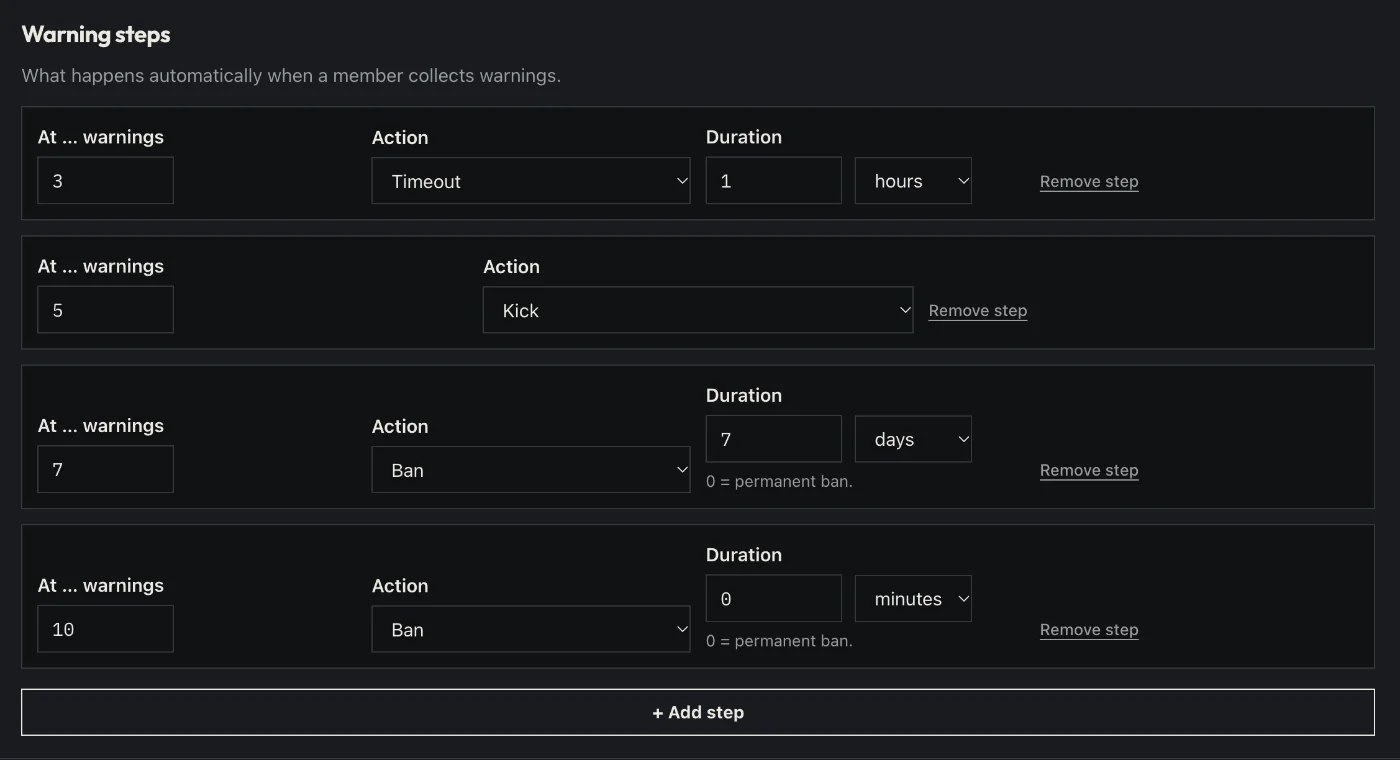
- Decide what happens after how many warnings (e.g. 3 → timeout, 5 → kick).
- If you like: switch on unban appeals and pick a channel for the team.
- Click “Save” in the bar at the bottom. Sidekick uses it right away.
Good to know
- With “DM on action” the person gets a short message about what happened and why.
- Every case has a number. /case shows it, /history shows all cases of a person.
Commands
/warn/warnings/unwarn/timeout/untimeout/kick/ban/unban/case/history/note/lock/unlock/slowmode/vkick