Server logs
Records what happens on the server in log channels.
How to set it up
- Open the dashboard, pick your server and then “Server logs”.
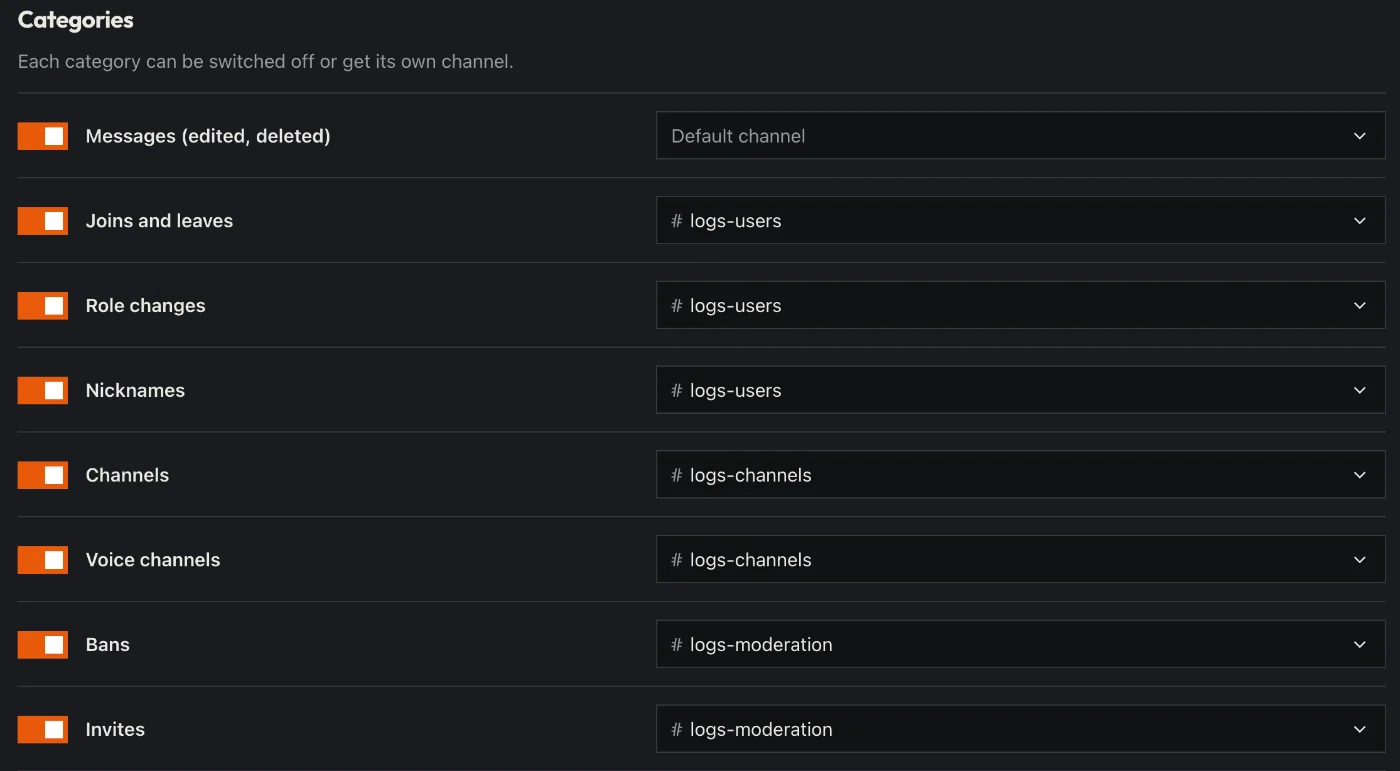
- Pick a default log channel – or own channels for single areas (e.g. messages, members).
- Switch off areas you don’t need and leave out channels that should not be logged.
- Click “Save” in the bar at the bottom. Sidekick uses it right away.
Good to know
- Deleted and edited messages show the old and the new text.
- In the dashboard under “Logs” you can search everything.
Commands
/logs