Embed builder
Build good-looking messages with title, colour, image and fields and send them in Sidekick’s name.
Try it without logging in: Title, colour, fields and images – with a live preview like in Discord.
Try it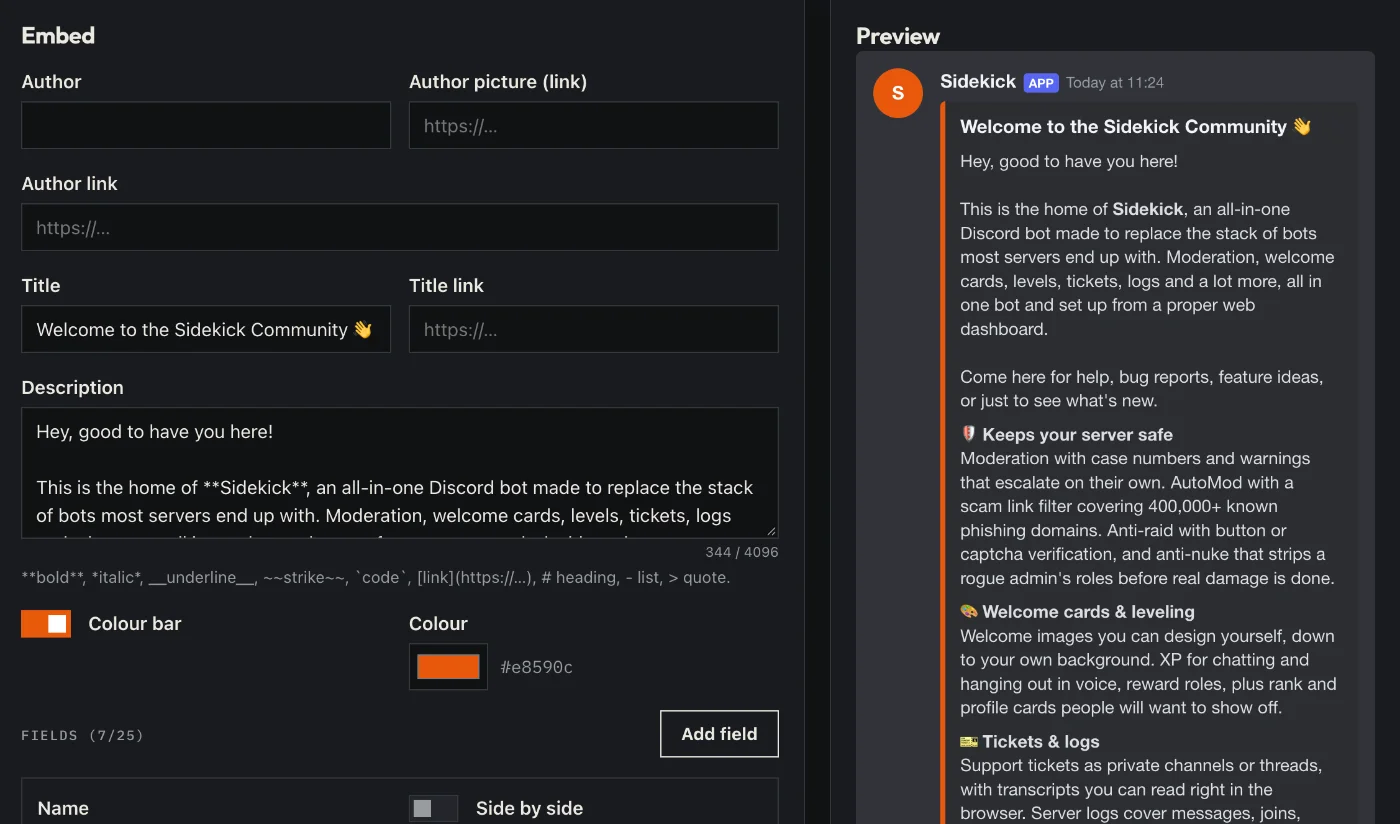
How to set it up
- Open the dashboard, pick your server and then “Embed builder”.
- Fill in title, text, colour, image and fields – on the right you see the preview like in Discord.
- Pick a channel and send. Later you can load the message here again and edit it.
Good to know
- Saving templates saves time for messages you send again and again.
- Try it without logging in: our free embed builder under “Tools”.
Commands
/embed