Temp voice
“Join to create”: everyone gets their own voice channel that disappears when empty.
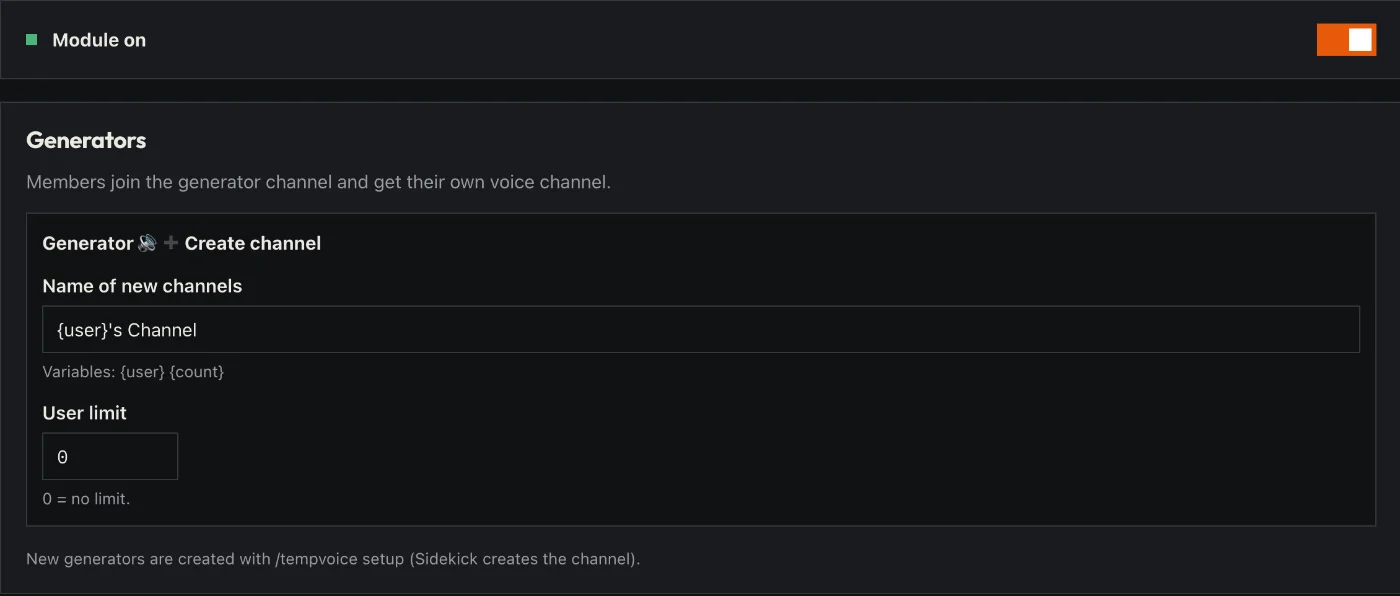
How to set it up
- Open the dashboard, pick your server and then “Temp voice”.
- Pick or create a “join to create” voice channel.
- Decide how the new channels are named and how many people may join.
- Click “Save” in the bar at the bottom. Sidekick uses it right away.
Good to know
- Whoever joins gets a channel of their own – it disappears again when empty.
- In their own channel people get buttons to rename, lock and limit it.
Commands
/tempvoice