Statistics channels
Channel names that show member count, boosts and more.
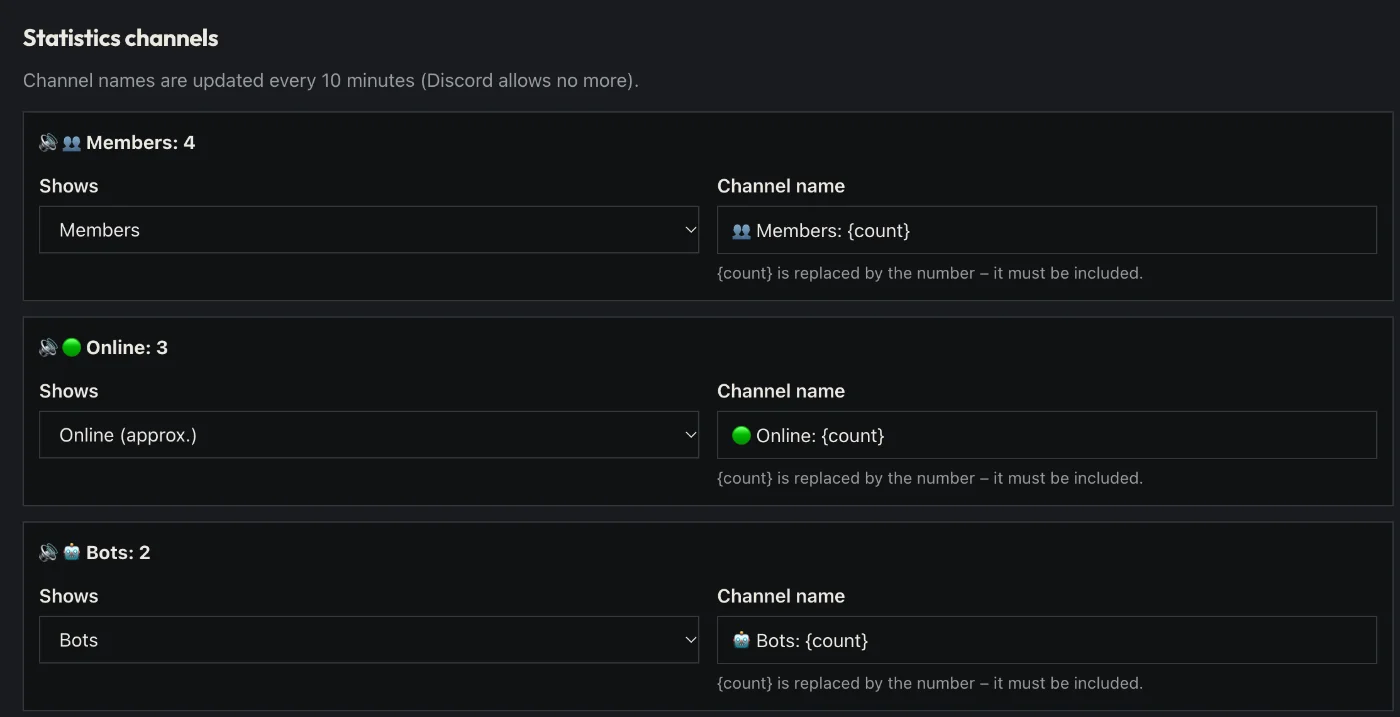
How to set it up
- Open the dashboard, pick your server and then “Statistics channels”.
- Add a counter: members, humans, bots, online or boosts.
- Set the channel name.
- Click “Save” in the bar at the bottom. Sidekick uses it right away.
Good to know
- Discord allows few name changes – Sidekick updates every 10 minutes.
Commands
/stats